Summary
Long screen sessions leave many people with gritty, tired eyes by the evening. A better desk set-up, regular pauses and an up-to-date eye test usually ease most of it.
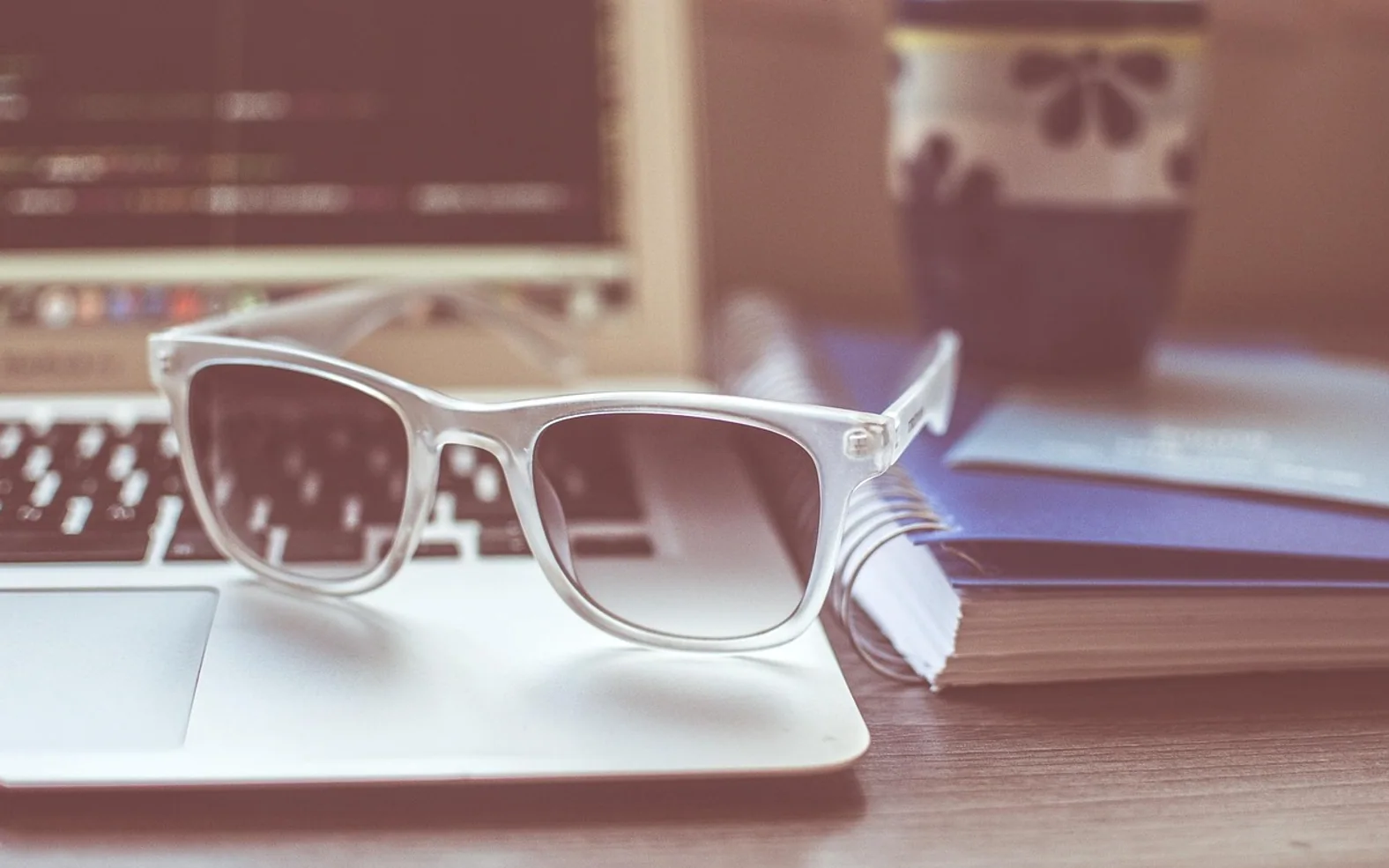
By late afternoon, plenty of office workers notice the same set of complaints. The eyes feel dry or gritty, the text on the monitor looks a little less crisp than it did at nine, and a dull ache settles across the forehead. Opticians often call this digital eye strain. It is uncomfortable and tiresome, but for most people it eases with rest and some sensible changes to how they work.
This article covers everyday steps. It cannot tell you why your own eyes feel the way they do, and new or worsening symptoms deserve a proper look from an optician or doctor.
Why screens tire the eyes
Staring at a screen is not harmful in itself, but it asks the eyes to do a few demanding things for long stretches. The focusing muscles hold a fixed near distance for hours. We also tend to blink less often and less completely while concentrating, so the surface of the eye dries out faster. Glare from windows, a screen that is too bright or too dim, small text and a posture that tips the head forward all add to the load.
Typical signs
- Dry, burning or watery eyes
- Blurred vision that comes and goes during the day
- Headaches around the brow or temples
- Trouble refocusing when looking up from the screen
- Stiffness in the neck and shoulders
Set up the desk first
Changes to the workspace help every hour of the day without you having to remember anything.
- Place the screen at arm's length. Sitting too close makes the eyes work harder to focus.
- Keep the top of the screen at or slightly below eye level. Looking a little downward lets the eyelids cover more of the eye, which slows drying.
- Turn the screen away from bright windows. Light falling directly on the display, or a window right behind it, creates glare and contrast that the eyes have to fight.
- Match brightness to the room. A screen should look roughly as bright as the surroundings, not like a light box in a dim office.
- Make text bigger. Zooming in costs nothing and stops you leaning forward to read.
Build pauses into the day
Many opticians suggest the 20-20-20 habit: every twenty minutes, look at something about twenty feet away for twenty seconds. The exact numbers matter less than the idea, which is to let the focusing muscles relax regularly. A view out of a window, the far wall of the office or a plant across the room all work.
Longer breaks help too. Standing up to fill a glass of water, walking to a colleague instead of sending a message, or stepping outside at lunchtime gives the eyes and the neck a change at the same time.
Remember to blink
It sounds odd, but a few slow, full blinks now and again can make dry eyes feel noticeably better. Some people stick a small note on the edge of the monitor as a reminder for the first few weeks.
Habits beyond the desk
- Keep the air from drying out. Point fans and heater vents away from your face where you can.
- Drink water through the day. Being well hydrated supports the tear film.
- Give phones a rest in the evening. Reading a small screen in bed adds another hour of close focus on top of the working day.
- Keep glasses clean. Smudged lenses scatter light and make text look softer. Our guide on cleaning glasses without scratching them shows a gentle method.
- Sleep well. Tired eyes recover overnight, and a short night leaves less in reserve. Our piece on the body processes behind sleep explains why rest matters so much.
Eye drops and screen glasses
Lubricating drops sold in pharmacies can soothe dryness for some people. A pharmacist can explain the different types and whether one is suitable for you, especially if you wear contact lenses. Glasses designed for computer distance may help people whose everyday prescription is set for reading or for far vision. Lenses marketed as blue-light filters are popular, but they are not a substitute for breaks, good lighting and an eye test, so it is worth asking your optician before paying extra.
| What you notice | A sensible first step |
|---|---|
| Dry, gritty eyes | More blinking, fewer drafts, ask a pharmacist about drops |
| Text looks soft by afternoon | Bigger text, regular distance breaks, book an eye test |
| Headache at the end of the day | Check glare and screen height, take proper breaks |
| Sore neck and shoulders | Raise or lower the screen so your head sits level |
When to see an optician or doctor
Book an eye test if symptoms keep coming back despite changes at your desk, if you have not had your eyes checked for a couple of years, or if you find yourself squinting or holding things further away to read them. Opticians can check whether your prescription is up to date and look at the health of the eye itself.
Get urgent help from a doctor, an eye casualty service or your local emergency number if you have sudden loss of vision, a painful red eye, flashes of light, a shower of new floaters, a curtain-like shadow across your sight or double vision that appears suddenly. Those are not signs of screen strain and need to be checked the same day.
For most people, a few small adjustments and a regular eye test are enough to finish the working day with eyes that feel comfortable rather than sandpapered.
Small adjustments
Changes that cost a minute or less
Easy wins that are simple to keep up.
Mark the cuff
A dot of tape on the cuff shows where it sat last time, so the next reading starts the same way.
Tilt the monitor
Lowering the screen slightly lets your eyelids cover more of the eye.
Two cloths, not one
Keep a spare microfibre cloth so a clean one is always ready.
Check your bite
Lips together, teeth apart: a quick reset whenever you notice clenching.
Background reading only; your GP, pharmacist, dentist or optician can speak to your own circumstances.